Swipe To Save

Turn everyday purchases into automatic savings. Swipe To Save helps you grow savings steadily with every qualifying debit card transaction—without changing how you spend.

Close-up of a hand holding a smartphone displaying an NVB debit card on screen, with another physical NVB debit card partially visible, set against a branded background promoting Swipe to Save.

Round Up. Save More

Save for What Matters—Or Who Matters

Swipe To Save makes it easy to build savings through small, automatic transfers tied to your debit card activity.

Why customers choose it:

Automatic savings with no extra steps
FREE for NVB checking customers
Direct savings to any eligible NVB savings account
Save for yourself—or for someone else
Small amounts that add up over time

Parents can build funds for children. Grandparents can contribute to a grandchild’s savings. You choose the eligible NVB savings account, and the savings accumulate automatically.
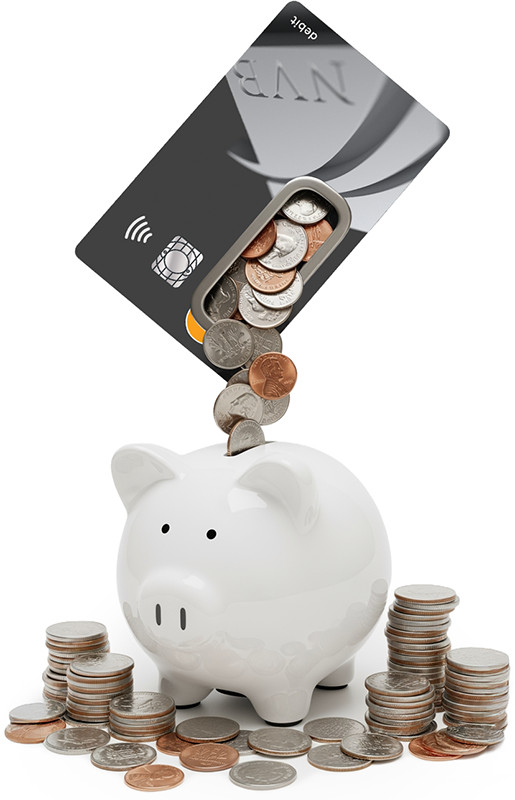
A debit card tilted above a white piggy bank with coins falling from the card’s chip area into the piggy bank, surrounded by stacks of coins.

How It Works

Swipe To Save rounds up qualifying debit card purchases and transfers the difference into your selected NVB savings account.

Enroll online via DocuSign or at any NVB location
All debit cards on your checking account participate
Qualifying purchases* are rounded up and totaled nightly
One daily transfer is made to your designated savings account
Transfers appear in online banking and on your statement

Example:
Spend $4.38, it rounds to $5.00, and $0.62 goes to savings.

Smiling family — a mother and father with their young child seated together, the father giving a gentle kiss while they all laugh, inside a circular graphic representing NVB Swipe To Save.

What You Need to Know

*Qualifying purchases include in-store and online debit card point-of-sale transactions. ATM transactions and non-purchase activity do not qualify.

Checking account must be in good standing to participate. Transfers occur only when sufficient funds are available and the purchase amount is not a whole dollar. Savings must be deposited into an eligible NVB savings account; external accounts are not eligible. You may change or cancel the service at any time.

Available Services

Related Services

Support

How May We Help You?

NVB Logo


NVB Card Controls Title


Turn cards on and off, reset your PIN and more
straight from the NVB Mobile App.

search
clear